
An inbox that stays out of your way
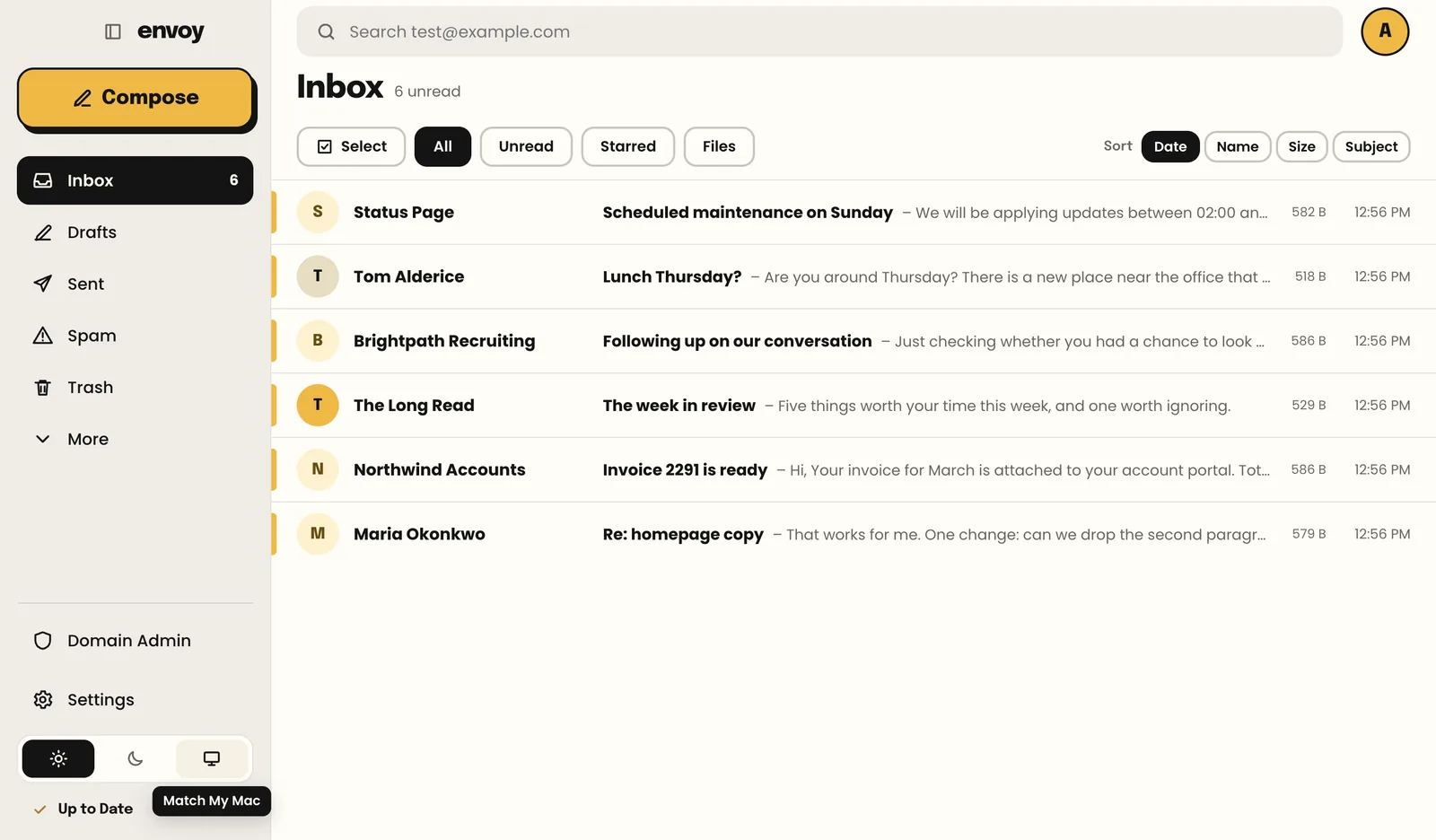
Unread, starred, or with files, one click away. Conversations stay together. Sort by date, name, size or subject.
- Search that answers instantly, even offline
- Light, dark, or whatever your computer is using
 envoyby


Envoy is the mail app from Kemmy for the organisations we host. Every message goes out on your letterhead with your signature, and everyone hears the moment something arrives. On your computer, and now on your phone.
Envoy knows whose mail it is. The letterhead, the signature and the people are set up once for the whole organisation, and every message looks like it came from you.
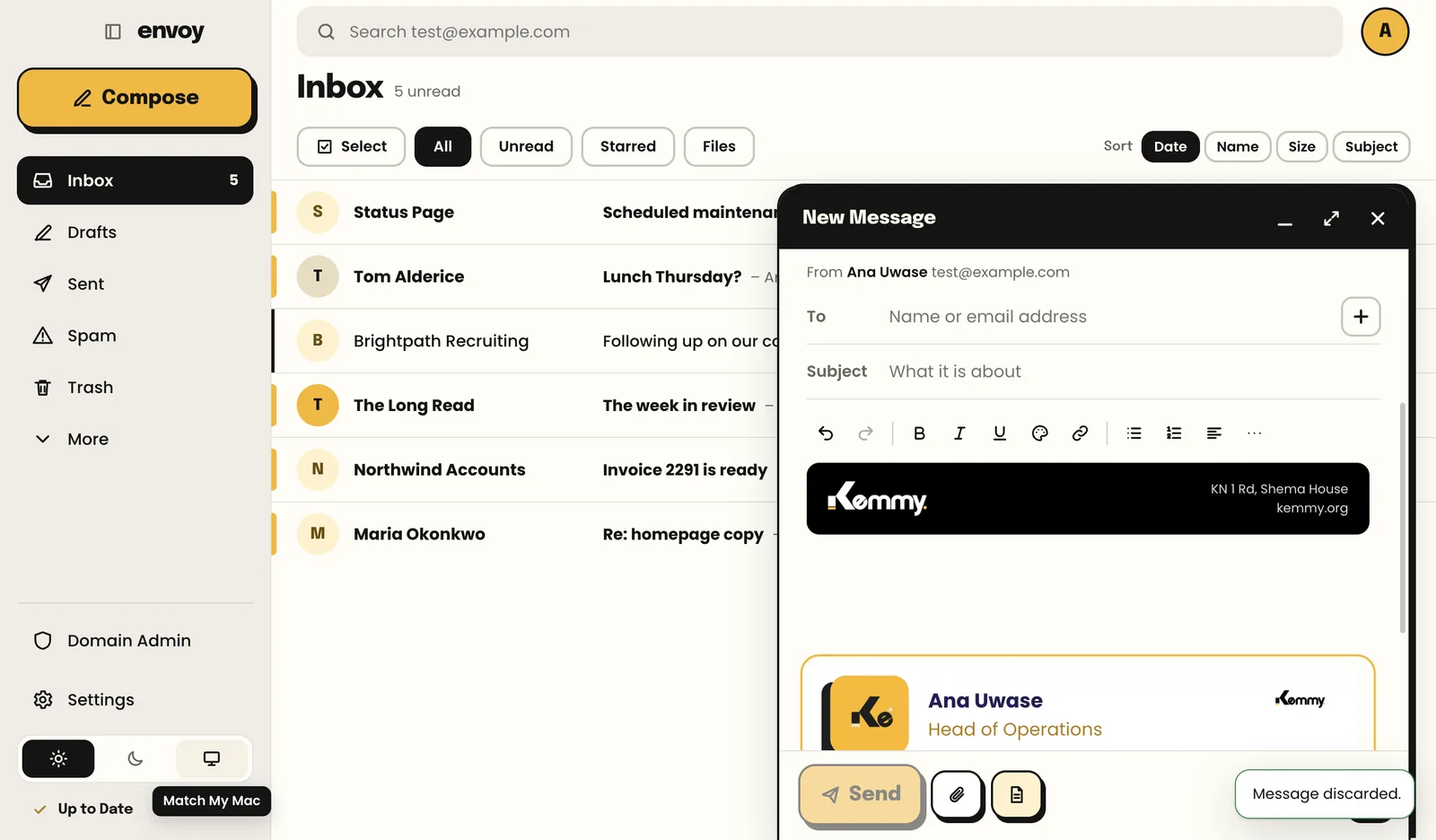
New messages and replies open on your organisation’s letterhead: your colours, your logo, your address. Nothing to remember.
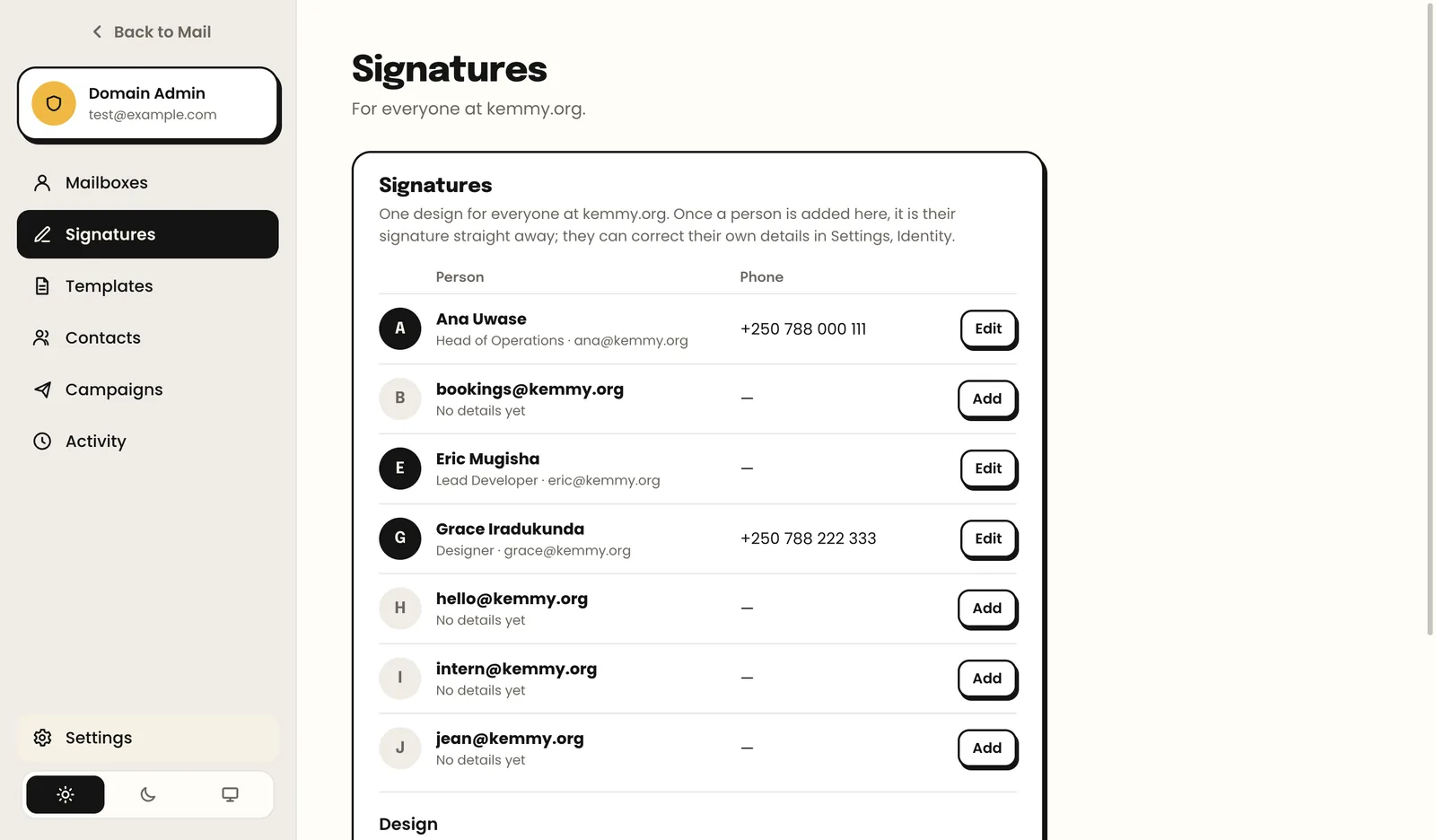
Designed once, filled in with each person’s name, title and phone. Real text, so it reads well everywhere and never looks like spam.
Your mail server tells Envoy the instant something lands, even while the app is closed. No more checking.
A few seconds to take a message back. Offline? It waits in the Outbox and goes when you are connected again.
Move a message to Spam and the server learns. The mail you want stays in your inbox; the rest stops coming.
Mailboxes, forwarders, signatures and templates for the whole organisation, managed by the people you choose, from inside the app.
Big type, one sidebar, and nothing that gets in the way of reading and replying.
Unread, starred, or with files, one click away. Conversations stay together. Sort by date, name, size or subject.
Open a new message and the letterhead is already there, with your signature underneath. Type, attach, send. Switch it off for one message if you need to.
Add a mailbox, set a signature, forward an address, see what changed and who changed it. No hosting panel needed.
Envoy for iPhone and Android: the same mailboxes, the same letterhead, and a notification the moment mail lands, even with the app closed.
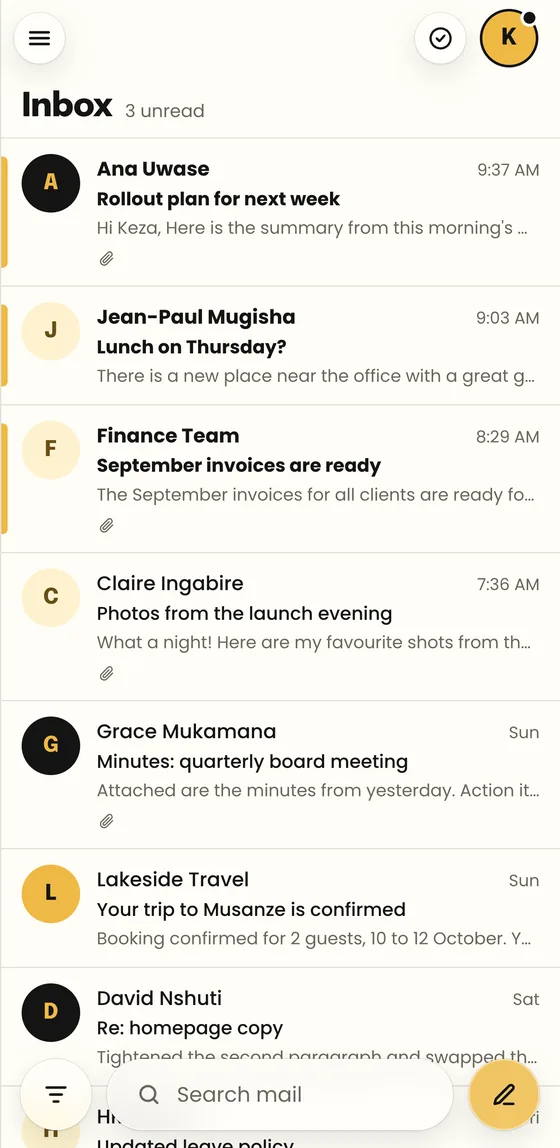
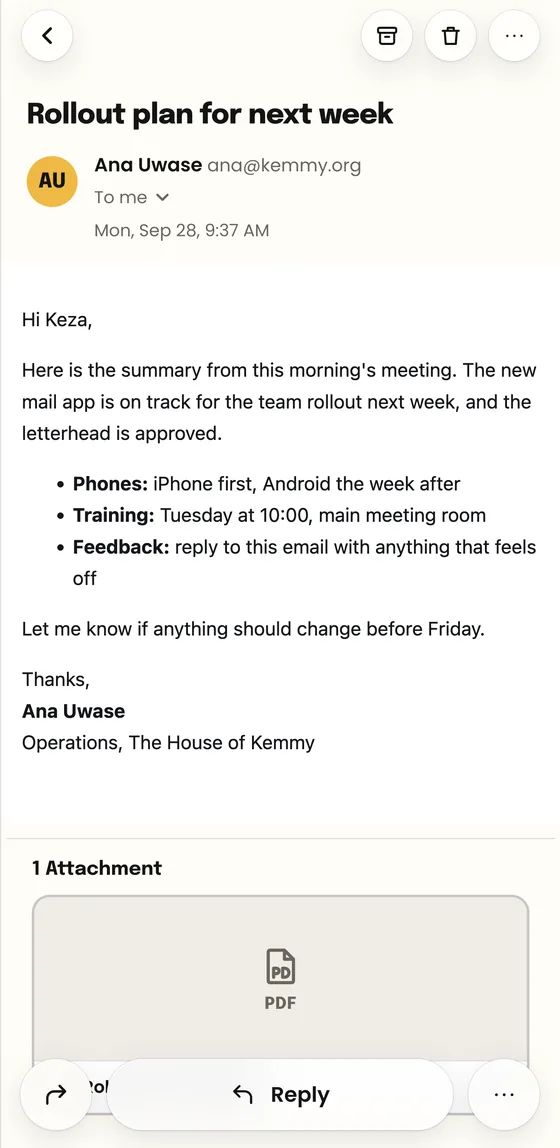
Envoy Mail is on the App Store and Google Play. The same mailboxes and letterhead as your computer, and alerts the moment mail lands.
Newsletters and notices now fill the reading pane the way their sender designed them, with no frame squeezing them in.
New mail on Windows now pops up and opens the right message when clicked, with Envoy’s own icon in the taskbar and tray.
Domain Admin lists your organisation’s mailboxes by how much they hold, so the one filling up is the first you see.
Windows shows Ctrl shortcuts and says “This PC”; a Mac keeps its ⌘ keys. Cleaner icons for archive, delete and reply everywhere.
Up to ten mailboxes on one computer or phone, each with its own alerts, switched from the avatar menu.
Pick your computer or phone below. On a Mac, drag Envoy to Applications. On Windows, one line in PowerShell does it all. Phones get it from their app store.
Your address and the password you already use. Envoy finds your mail server by itself. Your password is kept encrypted and never shown to anyone.
The letterhead and your signature are already there. Send it, and watch the alert arrive on your colleague’s screen.
Free for everyone at your organisation. Version 0.2.8.
M1, M2, M3 or M4. Every Mac made since late 2020.
DownloadEnvoy 0.2.8 (Apple Silicon).dmg · 124 MBMacs from 2020 and before. Apple menu › About This Mac says Processor: Intel.
DownloadEnvoy 0.2.8 (Intel).dmg · 131 MBOpen PowerShell (press the Windows key, type PowerShell, press Enter), paste this line and press Enter. Envoy installs itself.
irm https://envoy.kemmy.org/win | iexPhones and tablets on Android 7 or later. Search Envoy Mail on Google Play, or tap below.
Get it on Google PlayiPhone on iOS 15 or later. Search Envoy Mail on the App Store, or tap below.
Download on the App Store